Crypto Coin Guides 2027: Every Coin You...
2026-11-12

By the SecureShift Team · Updated November 12, 2026
Disclosure: SecureShift offers XMR to BTC swaps, which is one of the methods covered here. We also cover options that don't involve us. Educational content, not legal or financial advice.
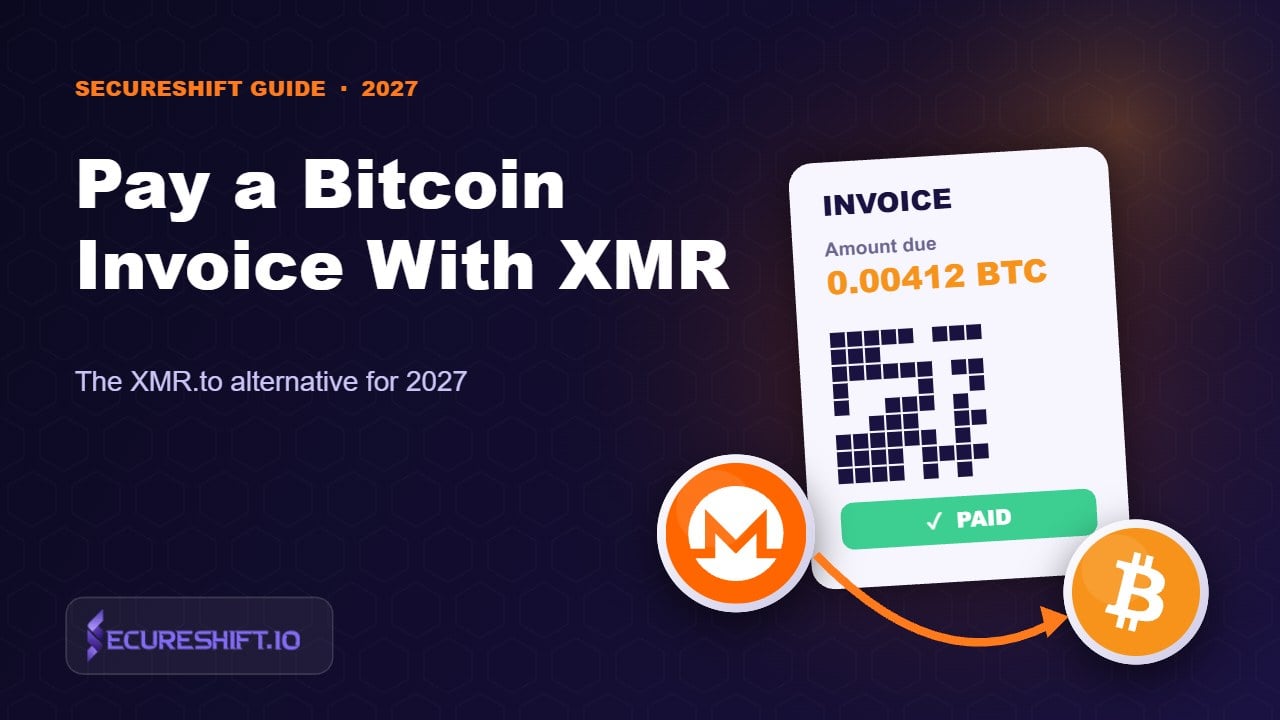
XMR.to, the old "pay any BTC address with Monero" service, announced its shutdown in February 2021. You can still do the same thing today. Copy the merchant's BTC address and amount, start a fixed-rate XMR to BTC swap, put the merchant's address as the BTC recipient, and size your XMR so the BTC that arrives covers the invoice plus a small buffer. Do it soon after the invoice opens, because most invoices expire in about 15 minutes.
You hold Monero. The VPN, the hosting provider, or the small shop you want to buy from only takes Bitcoin. That's an awkward spot. You could cash out XMR on an exchange, buy BTC and send it, but that's three steps, at least one account, and a paper trail that defeats the reason you held XMR in the first place.
The cleaner route is to pay the Bitcoin invoice directly from Monero, with a swap whose BTC output goes straight to the merchant. It's what XMR.to did for years, and it still works without XMR.to. You just need to understand two things that catch people out: invoice timers and exact amounts.
Bitcoin is public by design. Every payment you make shows where the coins came from. If you paid a merchant from a wallet you also used to withdraw from a KYC exchange, that merchant (or anyone watching the chain) can often connect the dots. We break down how in how crypto wallets get linked.
Monero hides sender, receiver and amount by default. When you swap XMR to BTC and have the BTC sent straight to the merchant, the merchant gets ordinary bitcoin. On the Bitcoin chain, the payment starts at the swap service's wallet, not yours. Your Monero history stays on Monero. For more on what Monero hides (and what it doesn't), read Is Monero traceable?
There's a convenience angle too. If XMR is what you keep as savings or get paid in, converting only at the moment you spend means you don't hold BTC you didn't want.
XMR.to was a popular service that let Monero users pay any Bitcoin address. You pasted a BTC address and amount, it gave you an XMR amount to send, and it paid the merchant. In 2019 it stopped serving US customers. On February 1, 2021, it announced it would close, keeping its infrastructure running for a few more months so users and integrations could move elsewhere.
Since then, the job has moved to general-purpose instant swap services and to merchants accepting Monero directly. The workflow below is the closest one-to-one replacement.
The whole thing usually takes a few minutes, and most of that time is the Monero confirmations. If it's slower than you expect, our explainer on why swaps get delayed covers the common causes.
Bitcoin invoices are strict. Pay even slightly less and many checkouts mark the invoice "partially paid" and wait for the rest. If the timer runs out first, you end up in a support ticket. Overpay a little and most merchants will either credit you or refund the difference. So it's better to slightly overpay than to fall short.
Here's how we size it:
Small invoices have their own problem: the Bitcoin network fee is fixed-ish per transaction, not a percentage. On a $10 invoice, network costs can be a meaningful share of the payment, as we explain in why crypto network fees are so high. If you pay the same merchant often (monthly VPN, hosting), consider topping up a balance with them instead of paying many tiny invoices.
Fixed-rate XMR to BTC, locked for 20 minutes. No account, no exchange limit, and BTC delivered to any address you choose.
Swap XMR to BTC| Method | Good for | Watch out for |
|---|---|---|
| Fixed-rate swap, BTC sent straight to merchant | Most one-off payments | Invoice timer; amount buffer |
| Swap to your own BTC wallet first, then pay | Tight timers, Lightning, or when you're unsure of the amount | One extra Bitcoin fee; you briefly hold BTC |
| Ask the merchant to accept XMR directly | Merchants on BTCPay Server, which can accept Monero | Not every merchant will turn it on |
| BTC ↔ XMR atomic swap | No-trust conversions when time isn't critical | Too slow for a 15-minute invoice |
Our honest take: if the invoice timer is short, or it's your first time, swap into your own BTC wallet first. Then pay the invoice from there with a fresh timer. You lose a little to one extra Bitcoin fee, and you lose nothing to stress. Once you've done it a couple of times, sending the swap output straight to the merchant is faster and cheaper.
And if it's a merchant you use often, it's worth sending them a polite message. Plenty of shops on BTCPay Server can switch on Monero with a plugin, and they often don't realize customers want it.
A growing number of merchants only show a Lightning invoice (a long string starting with lnbc). You can't paste that into a normal on-chain BTC swap. Instead:
It's one extra hop, but Lightning payments themselves are near-instant and cheap, so the invoice timer stops being an issue once you've funded the wallet.
XMR.to is gone, but the idea behind it is easy to reproduce: a fixed-rate XMR to BTC swap with the merchant's address as the recipient. Get the invoice details first, add a small buffer, use a fixed rate, and keep an eye on the timer. If you're nervous or the timer is tight, route through your own BTC wallet. If you're still building up your XMR stack, our guide to buying Monero without KYC is a good next read.
No. XMR.to announced its shutdown in February 2021. Today the same result comes from an XMR to BTC swap with the BTC sent to the merchant's address.
Usually not. They receive a normal Bitcoin transaction from the swap service's wallet. Only the timing and amount match your invoice.
Most checkouts mark it partially paid and ask for the remainder before the timer ends. If it expires, contact the merchant with the transaction ID. To avoid this, add a 1–2% buffer.
Not directly through an on-chain swap. Swap XMR to BTC into your own Lightning-capable wallet, then pay the invoice from there.
Fixed. Invoices need an exact amount. On SecureShift, the fixed rate is locked for 20 minutes after you start the exchange.