Crypto Loan Without Selling Your Bitcoin...
2026-11-04

Most SecureShift swaps finish in minutes. When one takes longer, the cause is nearly always one of the seven below, and most of them fix themselves. Find your order status, then jump to the matching section.
| Order status | Most likely cause | Go to |
|---|---|---|
| Waiting for deposit | Funds not yet broadcast or seen, wrong network, missing memo | Causes 1, 4 and 5 |
| Confirming | Network congestion or low fee | Causes 2 and 3 |
| Exchanging / sending | Floating-rate move, large order, payout queue | Cause 6 |
| On hold / verification | Automated AML risk check | Cause 7 |
Some wallets and exchanges batch withdrawals and send them minutes or hours later. Check your sending wallet or exchange for a transaction hash (TXID). If there isn't one, the funds haven't left yet.
We credit deposits after enough confirmations to protect against reorganisations. Typical waits:
| Coin | Typical wait |
|---|---|
| Bitcoin (BTC) | 10–30 min (1–2 blocks) |
| Monero (XMR) | about 20 min (10-block lock) |
| Litecoin (LTC) | 10–15 min |
| Ethereum and ERC-20 | 1–3 min |
| Tron (TRC-20) | about 1 min |
| Solana | under 1 min |
These are typical times. Confirmation requirements can change when a network is unstable.
A low-fee Bitcoin transaction can sit in the mempool for hours. If your wallet supports RBF (Replace-By-Fee), bump the fee. If it doesn't, ask the receiver to use CPFP. Your SecureShift order stays valid while you wait.
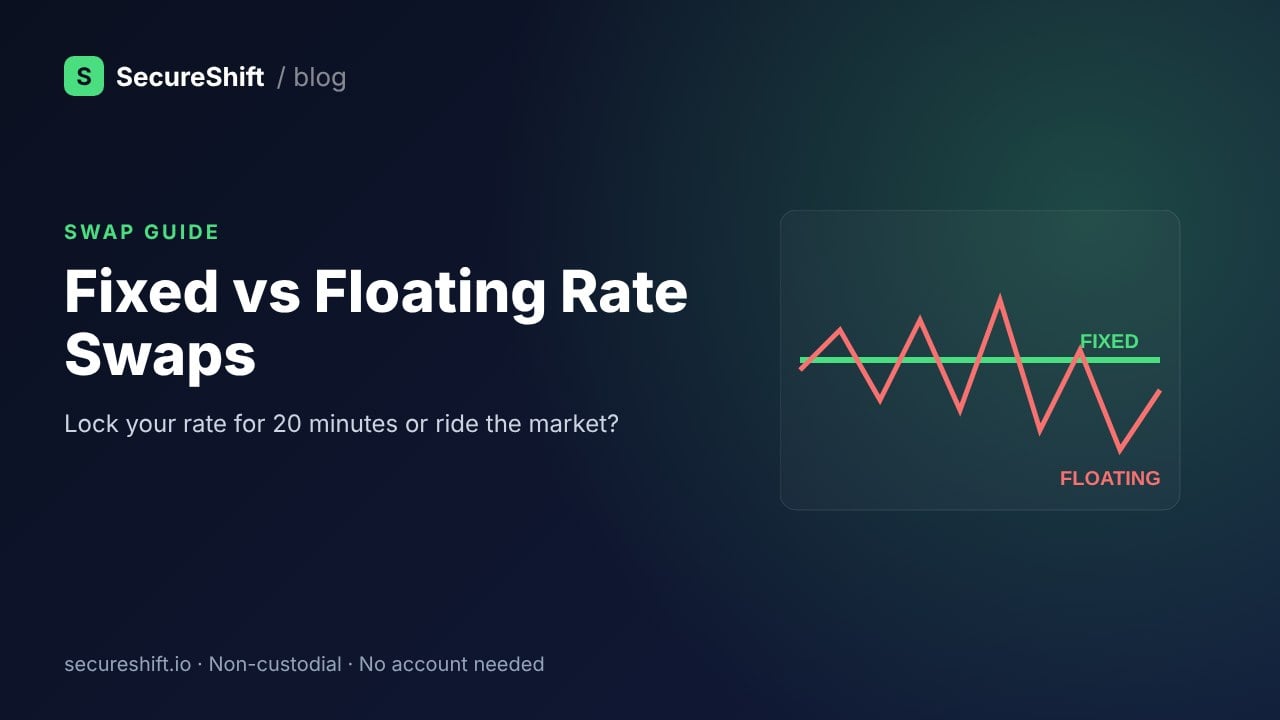
Tip: use a fixed rate when the mempool is busy. SecureShift locks the rate for 20 minutes after you create the order.
Sending USDT on BEP20 to an order that expects TRC20 is one of the most common mistakes. Funds sent on the wrong network can often be recovered, but it has to be done by hand. Read our wrong network guide and contact support with your order ID and TXID.
XRP, XLM, TON, ATOM, EOS and some others need a memo or tag. If you left it out, the deposit can't be matched to your order automatically. Contact support with your TXID.
With a floating rate, the final amount is calculated when your deposit confirms. If the market moved sharply, you'll receive a different amount from the estimate. Very large orders may also be filled in parts to get you a better rate.
SecureShift is non-custodial and needs no account, but like every reputable exchange we screen deposits automatically for risk. That includes links to sanctioned addresses, stolen funds and darknet markets. The vast majority of swaps are never flagged.
If yours is flagged, here is what happens under our AML/KYC policy:
Why the funds might be flagged even though you did nothing wrong: coins can pass through many hands. A deposit that came recently from a high-risk exchange, a mixer or a hacked address can raise its score. Sending directly from your own wallet, rather than straight from a P2P counterparty, lowers that risk.
Contact support if any of these apply:
Send us:
Usually 5–30 minutes. Most of that time is spent waiting for blockchain confirmations on the coin you send.
Once a deposit is detected, the swap runs automatically. If it can't be completed, contact support to arrange a refund to an address you provide. Network fees may apply.
Only if automated risk screening flags a transaction. Ordinary swaps need no account and no documents.