Crypto Coin Guides 2027: Every Coin You...
2026-11-12

By the SecureShift Team · Updated November 12, 2026
Disclosure: SecureShift is a swap service. The explorer tips here work for any wallet or exchange. Educational content, not financial advice.
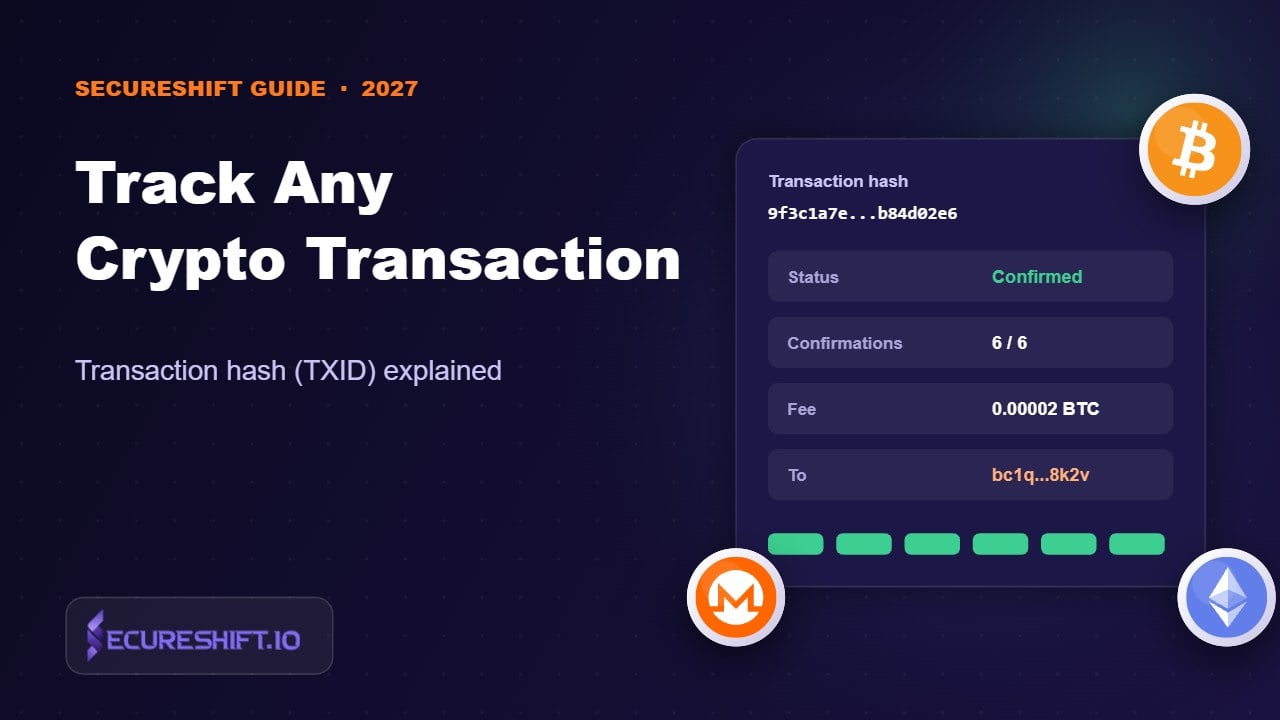
A transaction hash (also called a TXID or tx hash) is the unique ID of a blockchain transaction. Copy it from your wallet's history, paste it into the right block explorer for that chain, and you'll see whether it's pending or confirmed, how many confirmations it has, the fee and the destination. On Monero, the explorer confirms the transaction exists but hides the addresses and amount. To prove a payment, you share the tx key.
"I sent it an hour ago. Where is it?" If you've used crypto for more than a week, you've asked this. The answer is almost always sitting in one long string of letters and numbers: the transaction hash. Learn to read it, and you'll rarely need to wait on support again. When you do contact support, you'll get a much faster answer.
When your wallet broadcasts a transaction, the network gives it a fingerprint: a hash calculated from the transaction's contents. On Bitcoin it's 64 hex characters. On Ethereum and EVM chains it's 66 characters and starts with 0x. Solana uses a longer base58 "signature". Whatever the format, it does one job: point to exactly one transaction, forever.
A transaction hash is public and safe to share. It can't be used to move your funds. It's not a private key, a seed phrase or a password. Anyone you give it to can see the transaction, though, so on transparent chains they can also see the addresses involved.
| Chain | Popular explorers | Hash looks like |
|---|---|---|
| Bitcoin | mempool.space, Blockstream Explorer | 64 hex characters |
| Ethereum | Etherscan | 0x + 64 hex |
| BNB Chain | BscScan | 0x + 64 hex |
| Arbitrum / Base / Optimism | Arbiscan, Basescan, Optimistic Etherscan | 0x + 64 hex |
| TRON | Tronscan | 64 hex characters |
| Solana | Solscan, Solana Explorer | Long base58 string |
| Litecoin | Litecoinspace, Blockchair | 64 hex characters |
| Monero | xmrchain.net and other Monero explorers | 64 hex characters |
The most common mistake: pasting an EVM hash into the wrong EVM explorer. A USDT transfer on BNB Chain won't show up on Etherscan, even though the hash looks the same. If you get "not found", try the other chains you might have used.
| You see | It means | What to do |
|---|---|---|
| Not found | Wrong explorer, or it was never broadcast | Try the right chain; check the wallet or exchange actually sent it |
| Pending / in mempool | Waiting for a block | Wait, or bump the fee (RBF/CPFP on Bitcoin) |
| Confirmed, low count | In a block, not yet final for the recipient | Wait for the confirmations the recipient requires |
| Success | Done on-chain | If the recipient doesn't see it, check the address and network |
| Failed / reverted | Executed but rejected (EVM); the fee is still spent | The funds never left; fix the cause and resend |
| Dropped | Removed from the mempool, usually because the fee was too low | Resend with a proper fee |
For more on why things wait, see why is my crypto swap delayed. If the fee was the problem, why crypto fees are so high explains how to get it right next time.
A swap involves two transactions, and it helps to know which one you're looking at:
If you contact SecureShift support, include your order ID and your deposit TXID. With those two, we can usually tell you exactly where things stand in one reply. And remember: support will never need your seed phrase, as we explain in our crypto scams guide.
Deposit and payout hashes on your order page, an average swap time of a few minutes, and refunds to your own address if anything goes wrong.
Start a swapPaste a Monero TXID into an explorer and you'll see that the transaction exists, its block, its fee and its size. You won't see the sender, the receiver or the amount. That's Monero working as designed (more in Is Monero traceable?).
To prove you paid someone, give them the TXID, the tx key (also called the transaction private key) and the recipient address. Wallets like Feather and the official GUI can show the tx key for transactions you sent. With those three pieces, the recipient or a support agent can verify the exact amount received, while everyone else still sees nothing.
Monero has no mempool fee-bump feature, and incoming funds lock for 10 blocks (about 20 minutes). A "confirmed but not spendable yet" balance is normal. Our Monero wallet guide covers this in more detail.
Yes. A transaction hash can't be used to move funds. On transparent chains like Bitcoin and Ethereum, it does reveal the addresses and amount involved.
USDT is a token, so the ETH "value" field is zero. Look under Token Transfers to see the USDT amount.
Usually it went to a different address or network than the recipient expected, or the recipient is waiting for more confirmations. Check the "To" address and the chain.
It depends on the recipient. Services set their own requirements, typically higher for Bitcoin and Monero than for fast chains like TRON or Solana.
Share the TXID, the tx key and the recipient address. The other party can use them to verify the amount without revealing it publicly.