SecureShift Swap Is Now on Chrome & Fire...
2026-11-13

We've been asked the same question in our Telegram group more times than we can count: "Can I swap without opening a new tab every time?" Fair point. If you trade a few times a week, bouncing between your wallet, a price chart and an exchange page gets old fast.
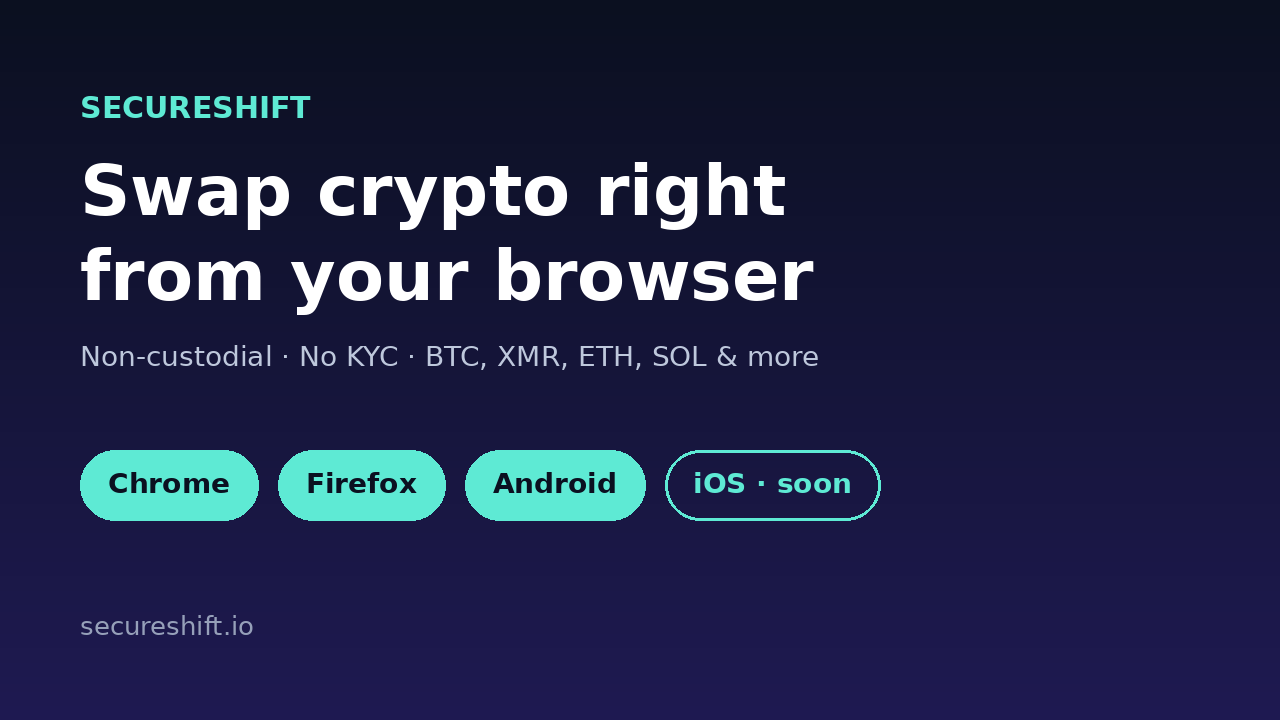
So here's the news. SecureShift Swap is now live as a browser extension on Chrome and Firefox, and our Android app is ready to download from the SecureShift home page. An iOS app is on the way too. Same non-custodial, no-KYC swaps you already use on secureshift.io, just one click closer.
Mostly, it's about speed. You spot a price you like, you open the extension, you swap. No hunting for a bookmark, no reloading a site, no losing your place.
But there's a second reason we care about just as much: safety. Phishing sites that copy exchange pages are everywhere, and they usually catch people who type a URL in a hurry or click a sponsored search result. When the swap lives inside an extension you installed from an official store, that risk drops a lot. You're not guessing whether the page in front of you is the real one.
The extension isn't a stripped-down widget. It gives you the core of SecureShift right in your toolbar:
And yes, the things people come to SecureShift for haven't changed. No account. No KYC. No sign-up forms asking for your passport. You pick a pair, paste your receiving address and go.
If you've used SecureShift on the web, this will feel familiar:
That's it. Your coins land in your own wallet once the swap completes.
Whenever a crypto project launches an extension, copycats tend to follow. Please only install SecureShift Swap from the links in this post, from our home page, or from our official channels. A few habits worth keeping:
The iOS app is in the works and we're aiming to get it out soon. We'd rather ship it right than ship it rushed, so we won't promise a date we can't keep. Follow us on X at @secureshift_io or join our Telegram channel and you'll hear about it first.
If you prefer the full trading interface, the SecureShift DEX is still there, and everything works the same way across web, extension and app.
Yes. Installing the extension and the Android app costs nothing. You only pay the normal swap rate and network fees shown before you confirm a swap.
No. SecureShift doesn't require registration or KYC, on the website or in the extension and app.
No. Swaps are wallet-to-wallet and non-custodial. Your funds go from your wallet to your wallet.
Chrome and other Chromium browsers (Brave, Edge, Opera) through the Chrome Web Store, plus Firefox on desktop and Firefox for Android.
Soon. We'll post the release on this blog and on our X and Telegram channels as soon as it's live in the App Store.
Give the extension a try and tell us what you think. Honest feedback, good or bad, is what shapes the next update. Add SecureShift to Chrome · Add SecureShift to Firefox · Download the Android app