Bitcoin (BTC) Price Prediction 2026 - 20...
2026-09-26

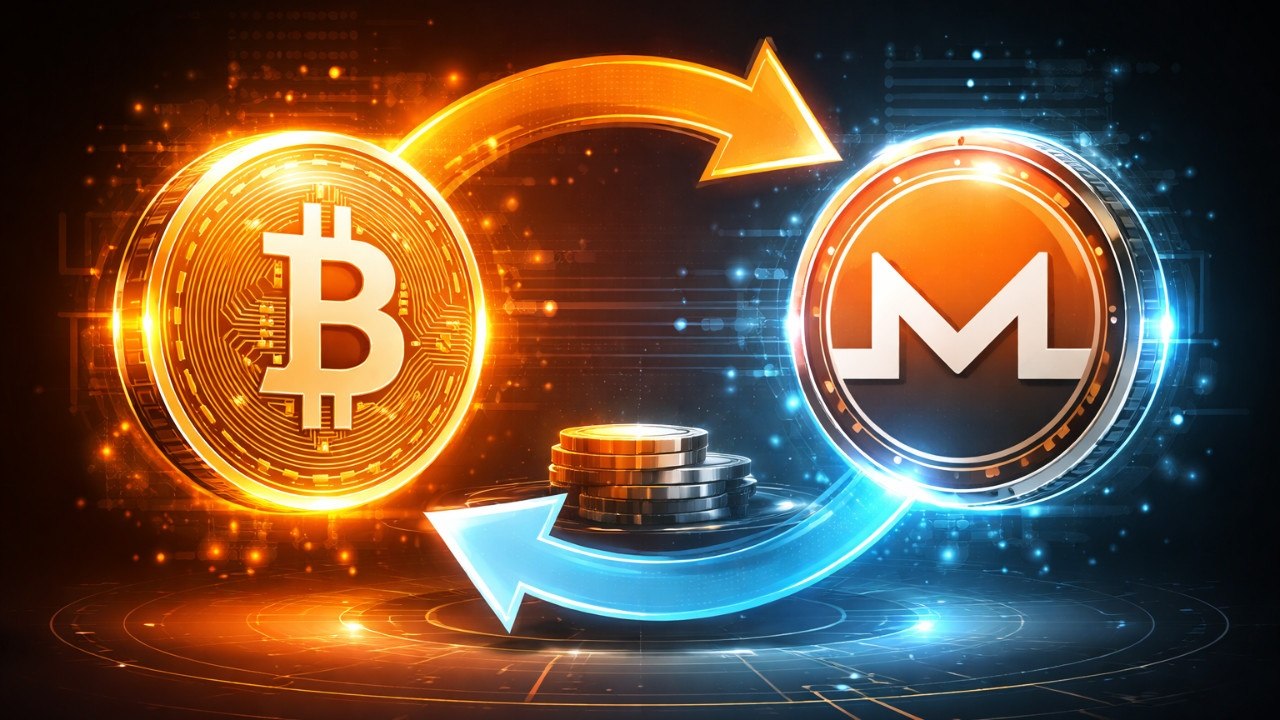
Do you want to swiftly, discreetly, and without registering convert your Bitcoin into Monero? It's easy with SecureShift Exchange. We'll walk you through the process of swapping Bitcoin for XMR on SecureShift step-by-step in this comprehensive guide, along with advice on selecting the best deal, safeguarding your privacy, and selecting the appropriate rate type.

The most well-known cryptocurrency in the world, Bitcoin, runs on a completely transparent public ledger, which allows anyone to track transaction history. By using cutting-edge cryptographic techniques like Ring Signatures, Stealth Addresses, and RingCT to make transactions untraceable and amounts hidden, Monero (XMR), on the other hand, is designed from the ground up for financial privacy.
Here are the most common reasons people swap BTC to XMR:
| Reason | What It Means for You |
|---|---|
| Financial Privacy | Your transaction amounts and wallet balances are hidden from public view |
| Fungibility | All XMR coins are equal — no "tainted" coins or blacklisted history |
| Censorship Resistance | Transactions cannot be flagged, frozen, or reversed by third parties |
| Portfolio Diversification | Adding XMR hedges against Bitcoin-specific regulatory risks |
| Use in Privacy-Native Services | XMR is the preferred currency for privacy-first marketplaces |
Privacy Note: Although Bitcoin transactions are pseudonymous, they can frequently be de-anonymized by blockchain analytics companies. Monero is one of the safest choices for financial secrecy since it is built to be private by default.
Before creating a swap on SecureShift, you'll need to decide between two rate types. Understanding the difference is important for getting the outcome you expect.
Our Recommendation: If you're swapping a significant amount and want certainty, choose the Fixed Rate. If you're comfortable with minor price fluctuations and want potentially lower fees, the Floating Rate can work well in stable market conditions.
Getting started with your BTC-to-XMR swap on SecureShift is simple. Here's what you need ready before you begin:
| Requirement | Details |
|---|---|
| A Monero (XMR) Wallet | You need an XMR wallet address to receive your Monero. Recommended: Monero GUI Wallet, Feather Wallet, or Cake Wallet |
| Bitcoin to Send | BTC in any personal wallet (hardware or software). Must meet the minimum swap amount shown on SecureShift |
| A Browser | Visit secureshift.io no app download required |
| No Account Needed | SecureShift does not require registration or KYC for standard swaps |
Important: Always use a self-custodial Monero wallet never enter an exchange wallet address, as some centralized exchanges do not support direct XMR deposits and your funds could be lost.
Follow these steps precisely to complete your BTC-to-XMR swap successfully:
Open your browser and navigate to secureshift.io. You'll land on the main exchange interface no login or sign-up required.
In the swap interface, set the "You Send" currency toBTC (Bitcoin) and the "You Receive" currency to XMR (Monero). The live exchange rate will populate automatically.
Type in how much BTC you'd like to convert. The platform will instantly calculate and display the exact amount of XMR you'll receive, including any applicable fees. Make sure your amount is above the minimum swap threshold shown on screen.
Select either Fixed Rate (your XMR amount is guaranteed) or Floating Rate (the rate reflects live market conditions at the time of execution). See Section 2 above for guidance on which to pick.
Carefully paste or type your XMR receiving wallet address into the designated field. This is where your Monero will be sent after the swap is processed. Triple-check this address XMR transactions cannot be reversed.
Before proceeding, review the full swap summary: the BTC amount you're sending, the XMR amount you'll receive, the rate type, and your destination wallet address. Once everything looks correct, click "Create Swap" or "Exchange Now".
SecureShift will generate a unique Bitcoin deposit address for your order. Send exactly the specified amount of BTC to this address from your wallet. Sending the wrong amount may cause delays or require manual processing.
After sending BTC, your transaction needs to be confirmed on the Bitcoin blockchain. This typically takes 10 to 30 minutes depending on network congestion and the fee you paid. You can track the swap status live on the SecureShift order page.
Once the Bitcoin deposit is confirmed, SecureShift automatically processes the swap and sends the corresponding XMR to your wallet address. You'll receive your Monero without any further action needed on your part.
✅Swap Complete! Your Bitcoin has been exchanged for Monero and delivered to your XMR wallet. The entire process from sending BTC to receiving XMR sned completes within 10 to 30 minutes.
After creating your swap order, SecureShift provides a unique Order ID and a live status tracking page. Here's what the status stages mean:
| Status | What's Happening |
|---|---|
| ⏳ Awaiting Deposit | SecureShift is waiting for your BTC to arrive at the deposit address |
| 🔍 Confirming | Your BTC deposit has been detected and is awaiting blockchain confirmations |
| 🔄 Exchanging | Your BTC is being swapped to XMR at the agreed rate |
| 📤 Sending XMR | The XMR is being broadcast to your Monero wallet address |
| ✅ Complete | Swap finished XMR has been delivered to your wallet |
Swapping BTC to XMR is one of the most effective ways to enhance your financial privacy in crypto. To get the most out of the process, follow these best practices:
Generate a new Monero wallet address specifically for receiving this swap. Monero's stealth address technology already handles much of this automatically, but starting fresh adds an extra layer of privacy separation from your BTC history.
If possible, send BTC from a self-custodial wallet rather than directly from a centralized exchange. Exchanges require KYC and link your identity to on-chain BTC movements, which can reduce the privacy benefits of the swap.
For maximum network-level privacy, access SecureShift through the Tor Browser or a reputable VPN. This prevents your IP address from being associated with the swap transaction.
Always save your SecureShift Order ID in a secure location. It's your only reference for tracking and potentially recovering the swap if any issues arise there is no account login to fall back on.
Is BTC to XMR swap on SecureShift anonymous?
For standard swaps, SecureShift does not require account registration or KYC verification. It is therefore among the most private methods of exchanging Bitcoin for Monero. The BTC side of the swap is still visible to the public on-chain, though, because Bitcoin is a transparent blockchain.
How long does a BTC to XMR swap take on SecureShift?
The majority of swaps are finished in 10 to 30 minutes. The primary variable is Bitcoin's network confirmation time, which is influenced by the sending transaction fee and network traffic. Once BTC is verified, Monero's side of the swap proceeds swiftly.
What is the minimum BTC amount I can swap on SecureShift?
The minimum swap amount is shown live on the SecureShift swap page and varies based on current network fees and liquidity conditions. Always check the platform directly for the current minimum before initiating a swap.
No account or registration is needed. Simply visit secureshift.io, select the BTC-to-XMR pair, enter your XMR wallet address, and send your BTC. The process is entirely non-custodial and account-free.
If you send an amount below the minimum, the swap may fail. If you send more or less than the quoted amount, the exchange may adjust the received XMR accordingly (for floating rate) or flag the order for review. Always double-check the required deposit amount before sending.
Yes. In addition to BTC, SecureShift supports a wide range of cryptocurrency pairs. You can swap ETH, USDT, LTC, and other supported assets to XMR using the same process described in this guide.
One of the easiest, quickest, and most private ways to convert your Bitcoin holdings into XMR is to swap them for Monero on SecureShift Exchange. Selecting the BTC/XMR pair, selecting your rate type, entering your Monero wallet address, sending your Bitcoin, and watching your XMR arrive automatically no account, no KYC, no waiting in line all take only a few minutes to set up.
SecureShift makes the transition into Monero easy, whether you're doing it for privacy, diversification, or to use XMR-native services. It is the preferred platform for BTC-to-XMR swaps in 2025 due to its support for both Fixed and Floating rates, transparent order tracking, and non-custodial methodology.
Ready to swap? Head to secureshift.io, select BTC → XMR, and complete your first privacy-preserving swap in minutes no sign-up required.
No account. No KYC. No waiting. Convert your Bitcoin to Monero right now on SecureShift.
Start Swapping on SecureShift →Non-custodial · Fixed & Floating rates · Privacy-first
(1)-1790417752.png)
-1788346309.png)